
TINKER: Building 100+ Plugins for a Desktop Toolbox in Half a Year
Preface
Since 2023, I've built a number of desktop applications based on Electron, including VIVY, AYA, ECHO, and REM. Over the years, I've had many ideas for small utility tools, but none of them were suitable as standalone Electron apps — the bundle size was simply too large. Even a tiny utility would end up weighing hundreds of megabytes after packaging.
I realized the optimal solution was to bundle all these small tools into a single application: pay the Electron overhead once and host as many tools as needed. A centralized approach also makes distribution and maintenance much easier. That's how TINKER came to be.
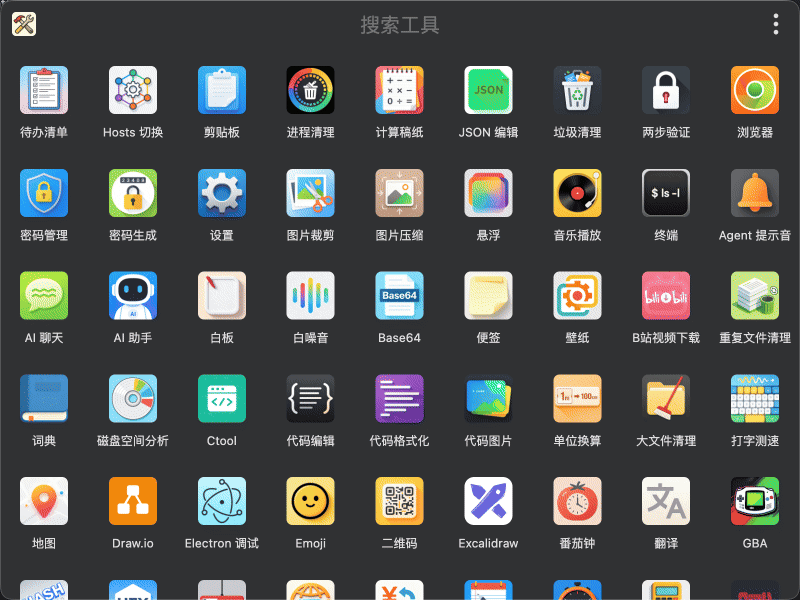
AI-Assisted Development
As AI-assisted programming gained traction in 2025, I started using it in my daily workflow, though initially limited to searching for solutions and code completion. Small utility tool development is a natural fit for AI: each tool has clear functional boundaries, standalone logic, and manageable context. So from the very beginning of the TINKER project, I decided to lean heavily on AI assistance and minimize hand-written code.
That said, human oversight is still essential. I review the architecture of all AI-generated code, personally select every external dependency, and enforce consistent technical standards and constraints across the project. This ensures uniformity among plugins while giving AI a well-defined scope to operate at maximum efficiency.
It's worth emphasizing that AI serves here more as an efficient coding assistant than a final deliverable. Each plugin has been carefully polished, continuously improved through daily use, and kept clean and maintainable — ready for manual intervention at any time. All built-in plugins follow a consistent visual style, support both dark and light modes, and offer Chinese-English bilingual interfaces.
Thanks to the plugin architecture and AI assistance, the actual development time per plugin is often just a few hours. Over the past half year, I've accumulated over 100 plugins during my free time.
Plugin System
Architecture
Common dependencies like React are bundled within the app and shared across plugins, so each plugin only contains its business logic code. This keeps individual plugins extremely small — the key reason why 60+ built-in plugins fit into an installation package just over 100 MB. Frequently used functionality (such as file dialogs, theme switching, context menus, etc.) is exposed as a unified API for external plugins.
External plugins are distributed via npm. Anyone can publish their own plugins without any review process, though they won't be bundled into the app or featured in any recommendations. This lowers the barrier to entry for the ecosystem while avoiding the overhead of maintaining a review pipeline.
Writing plugins with npm feels just like building a regular web page — or even simpler: no deployment to a server is needed. Once you've finished local development, you publish it to npm. Updates follow the same npm release workflow. TINKER automatically scans globally installed npm packages prefixed with tinker- and loads them, including scoped packages like @xxx/tinker-.
Plugin Categories
Plugins fall into three categories:
1. Built-in Plugins
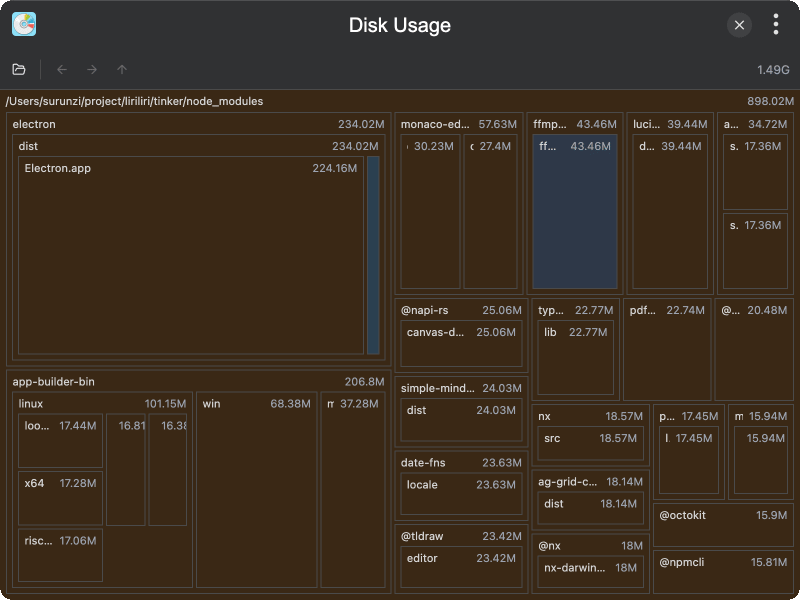
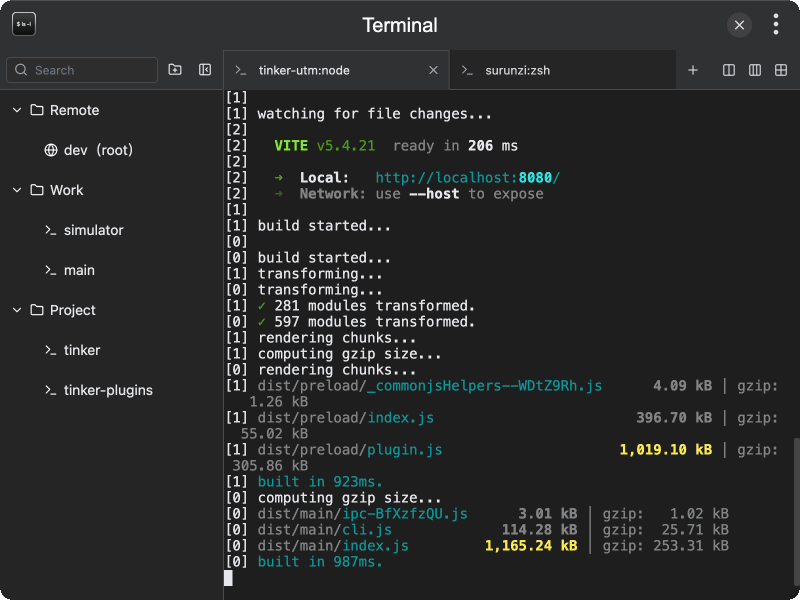
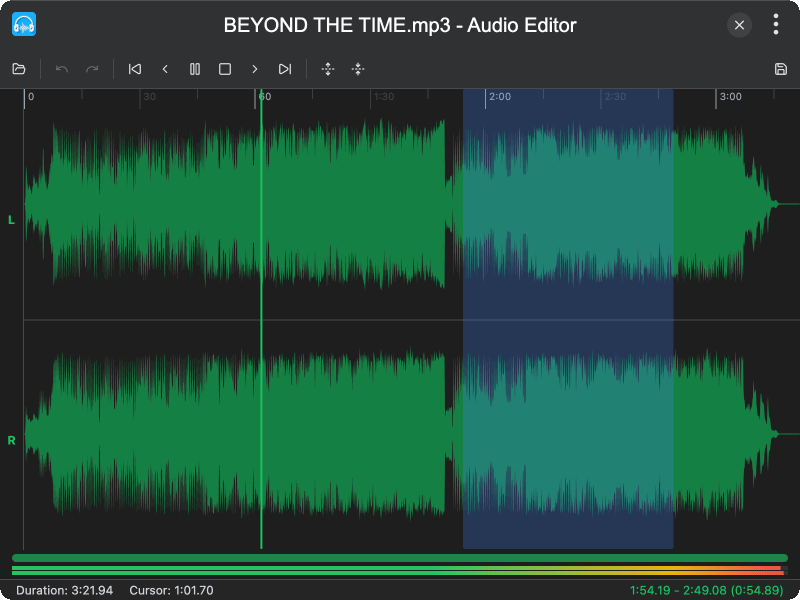
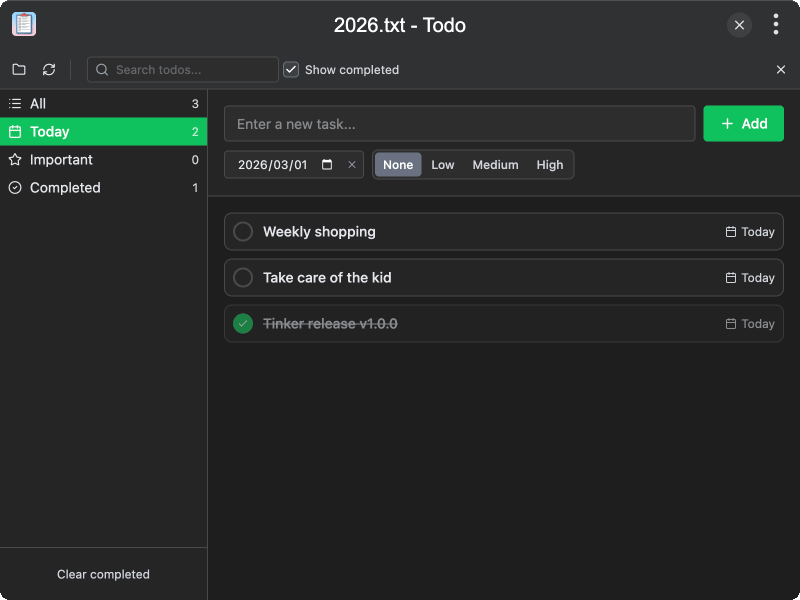
Shipped with the application and available out of the box. There are currently over 60, covering development, design, productivity, and more — such as a JSON editor, regex tester, code formatter, image compressor, Markdown editor, terminal, clipboard manager, Pomodoro timer, and so on.
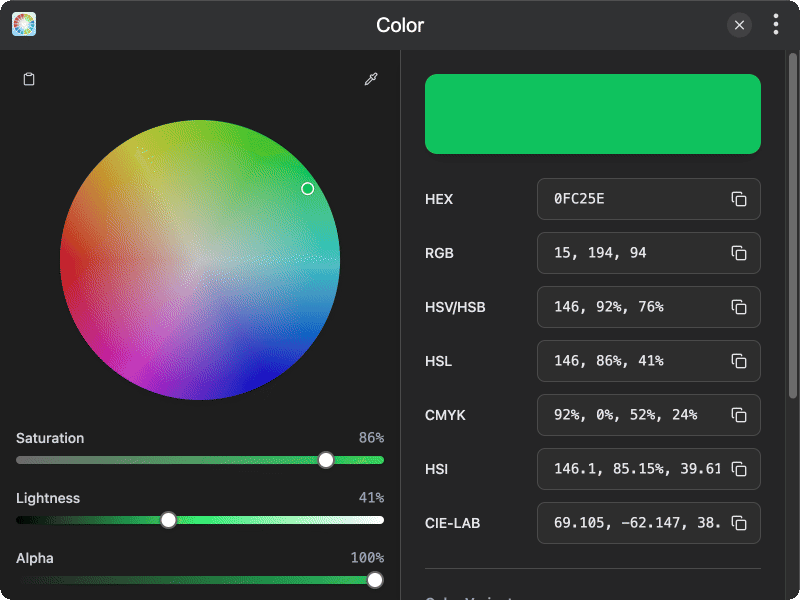
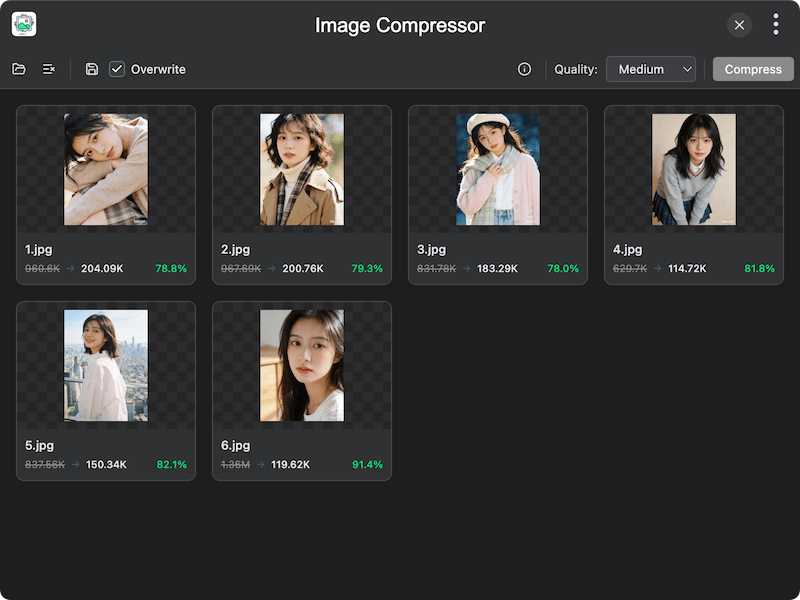
2. Official Plugins
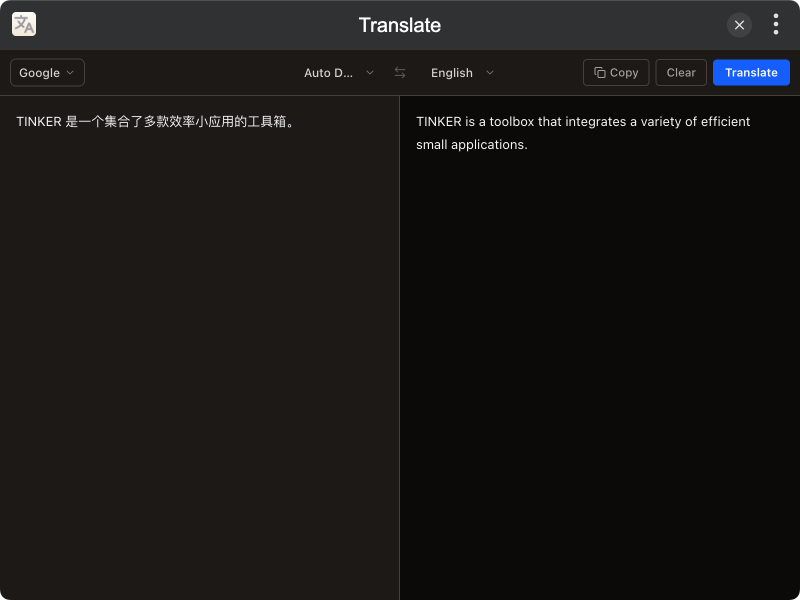
The official plugin repository maintains over 20 plugins, primarily tools that are larger in size or require internet access — such as translation, OCR, weather, maps, GBA emulator, and more.
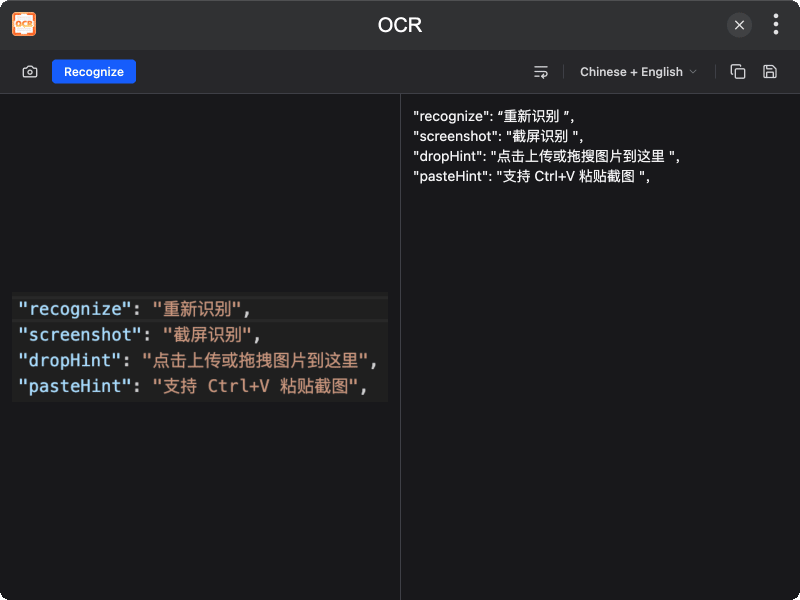
Installation:
npm i -g tinker-translate3. Third-Party Wrapper Plugins
Wrapper plugins that adapt excellent open-source web applications for offline use within TINKER, such as Draw.io, Excalidraw, Hoppscotch, Blockbench, and more.
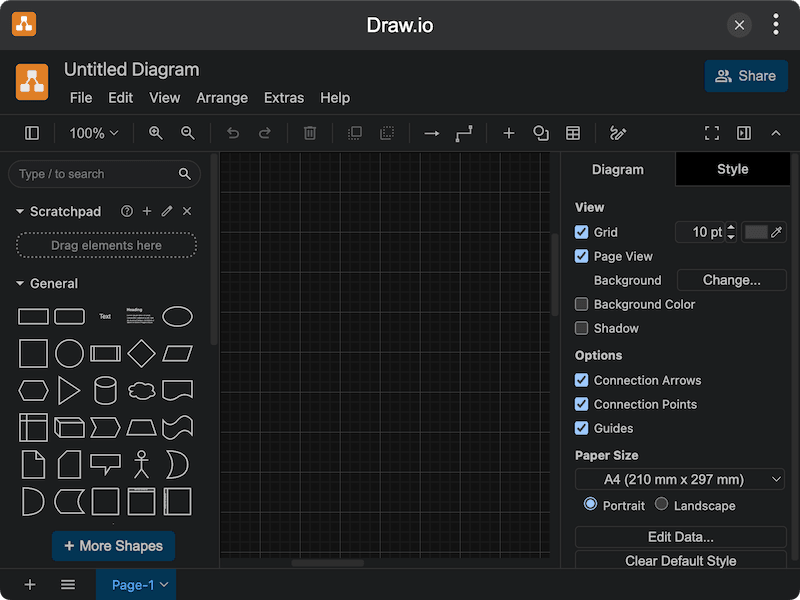
Installation:
npm i -g tinker-drawioFor the full plugin list, check out the official documentation.
Daily Use
I've become a heavy TINKER user myself. Todo lists, Hosts switching, process cleanup, and disk space cleanup are plugins I use every day. In daily practice, I can bring up the search box with a keyboard shortcut, type a few keywords, and hit Enter to quickly open a plugin. I can also specify a plugin name directly from the command line — it's very efficient.
Since it's a tool I built myself, any rough edges I encounter can be fixed and improved right away. That's the biggest advantage of rolling your own: each plugin gets refined through daily use and becomes better and better over time. An unexpected bonus is that all those scattered little apps and bulky software installed for a single feature can now be removed from my computer, freeing up quite a bit of disk space.
Closing
TINKER is an open-source, free toolbox application still under active development. It supports Windows, macOS, and Linux, with new plugins and improvements coming continuously. If you often find yourself reaching for various small tools, give it a try — it might just become an indispensable part of your daily workflow.
Repository: https://github.com/liriliri/tinker
Website: https://tinker.liriliri.io